Enterprise Mobility Management (EMM) for Android
Every Android device in your organization, managed from one console.
Enroll, secure and support thousands of phones, tablets and rugged devices. Run DeepManage in our cloud or on your own servers, including closed networks.
- Every feature included, no editions
- Cloud or on‑premises
- Built and supported in Türkiye
- Turkish National Police
- Gendarmerie General Command
- ASELSAN
- ROKETSAN
- HAVELSAN
- BİTES
- General Directorate of Mapping
- Ministry of Health
- Ministry of Agriculture and Forestry
- TurkStat
- MLP Care
- Erdem Hospital
- Dicle EDAŞ
- Başkent EDAŞ
- Toroslar EDAŞ
- AYEDAŞ
- Enerjisa
- Europower Enerji
- Eti Maden
- Turkish Standards Institution (TSE)
- Ministry of National Education
- Metro İstanbul
- DoorDash
- Biruni University
- Red Bull
- Haribo
- DojoNode
- Prestij Group
What is MDM?
Mobile Device Management, in plain terms
MDM is software that lets an IT team set up, secure and control the mobile devices their organization owns, from a central console and without touching each device.
A small app on each device receives the rules you set: which apps can run, which settings are locked, what happens when a device is lost. The console shows where every device stands and lets you act on it in real time.
Read the complete MDM guide →- Who uses it
- IT and operations teams managing company phones, tablets, kiosks and rugged devices.
- What it solves
- Data leaks from lost devices, unapproved apps, slow manual setup and costly field support.
- Ownership models
- Company‑owned (COBO), dedicated single‑purpose (COSU) and work profile on personal devices (BYOD, COPE).
- Where it runs
- As a cloud service, or installed on servers inside your own network.
Capabilities
Everything you need to run a mobile fleet
Every feature is included in every plan. Each card links to a detailed page.
Device enrollment
QR code, NFC and userless enrollment. Devices arrive ready to work.
Learn morePolicies and restrictions
Password rules, camera, USB and Bluetooth controls, grouped by team or region.
Learn moreApp management
Silent install and update of business apps, with allow and block lists.
Learn moreKiosk mode
Lock a device to one app or a custom home screen for counters, classrooms and vehicles.
Learn moreLive Control
See and control a device screen in real time to fix problems without a site visit.
Learn moreLocation and geofencing
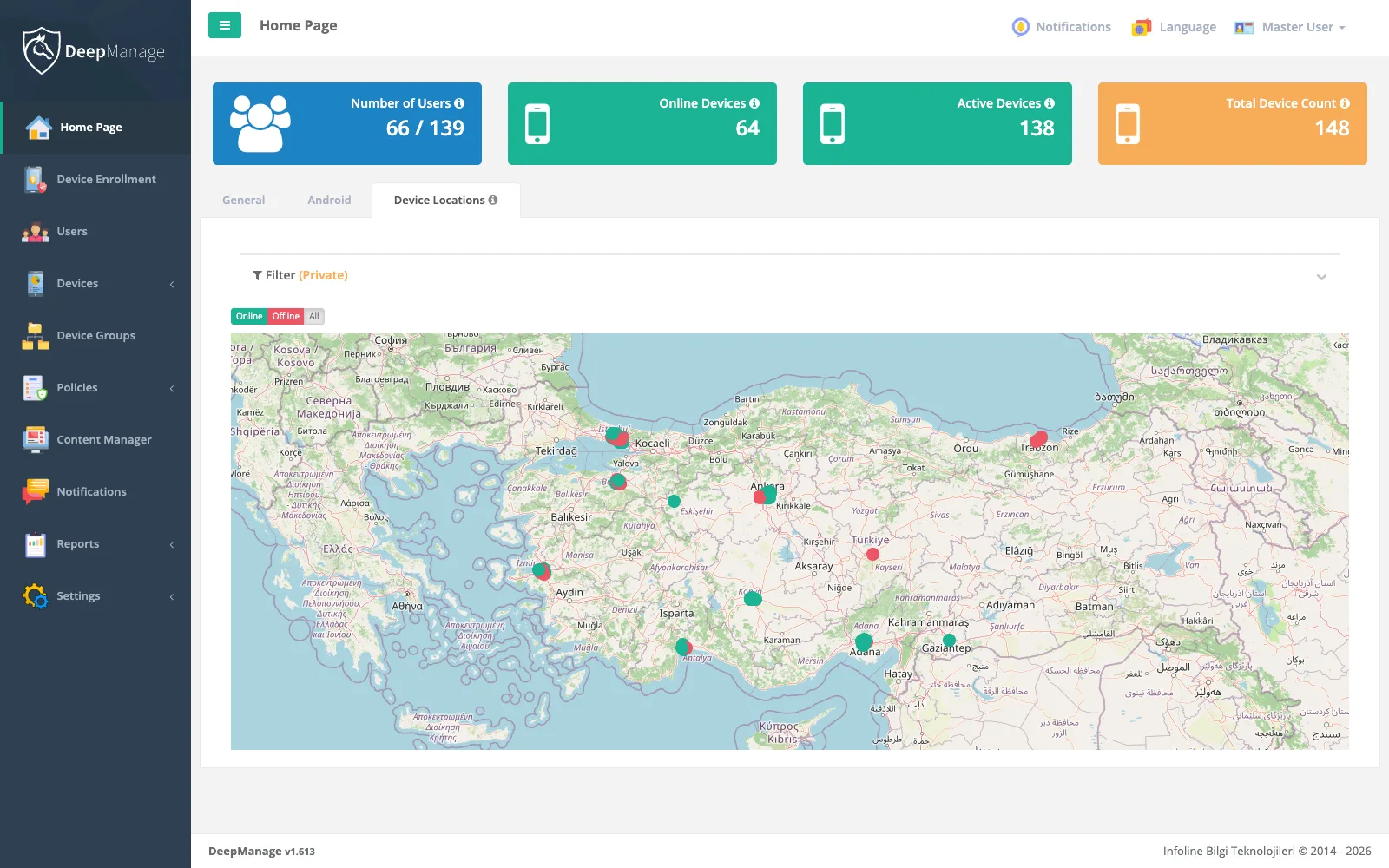
Track devices on the map and apply policies, files and notifications only inside the zones you draw.
Learn moreSecurity and compliance
Device integrity checks, certificate delivery, remote lock and wipe, automatic action on non‑compliance.
Learn moreReports and monitoring
Hardware, OS, network, usage and security reports, ready to export.
Learn moreHow it works
From the box to the field in three steps
- Step 1
Enroll
Scan a QR code or tap NFC on a new or reset device. DeepManage installs, takes ownership and applies the right profile.
- Step 2
Configure
Assign policies, apps and content by group. Changes reach devices instantly over a live connection.
- Step 3
Monitor and act
Watch compliance and location, get alerts, and lock, wipe or take Live Control when something goes wrong.
Solutions by industry
Proven where devices matter most
Each industry page explains the typical devices, the problems teams face and how they use DeepManage.
Defense and security
Hardened and embedded devices, closed‑network installs.
Police · Gendarmerie · ASELSANGovernment
Inspection tablets and field staff phones with data kept in‑house.
Ministry of Agriculture · TurkStatHealthcare
Protect patient data on clinical tablets and phones.
Ministry of Health · MLP Care · Erdem HospitalEducation
Exam‑time kiosk mode, content delivery, safe app lists.
Ministry of National Education · Biruni UniversityEnergy and utilities
Work‑order apps and zone tracking for maintenance crews.
Başkent EDAŞ · Toroslar EDAŞ · AYEDAŞMining and heavy industry
Rugged single‑purpose devices for safety and operations.
Eti MadenTransport and logistics
Shared terminals and vehicle tablets locked to one app.
Metro İstanbul · DoorDashField sales and FMCG
Order apps, route checks and lost‑device protection.
Red Bull · HariboRetail
Store tablets, handhelds and customer kiosks by store group.
Hospitality
In‑room and front‑desk tablets reset between guests.
Why DeepManage
Trusted by organizations that cannot afford a weak link
Developed since 2014 by Infoline, a software company with 24 years of experience.
Your servers or ours
Choose our cloud, or install on‑premises, even in networks with no internet access. Your data stays where you decide.
Proven at defense scale
Chosen by national security institutions and defense companies, including embedded devices.
Local team, local support
Engineering and support in Türkiye, in Turkish and English, with optional SLA packages.
Real‑time by design
A live connection to every device means commands and Live Control sessions happen in seconds.
Simple, open pricing
One price per device with every feature. No editions, no surprises.
Built for KVKK and GDPR
Terms acceptance on devices, in‑house hosting and audit logs help you meet data protection duties.
Deployment and pricing
Two ways to run DeepManage, every feature in both
The cloud is priced per device; for on‑premises we prepare a quote for your environment.
Hosted and maintained by us
- All features included
- Your own address, e.g. yourorg.deepmanage.com
- Always on the latest version
- No servers to run
Installed in your own network
- All features included
- Data never leaves your infrastructure
- Works in closed networks
- Integrates with your directory (LDAP)
Device licenses and installation are quoted together, based on your fleet and environment.
Get an on‑premises quoteProduct tour
See the console
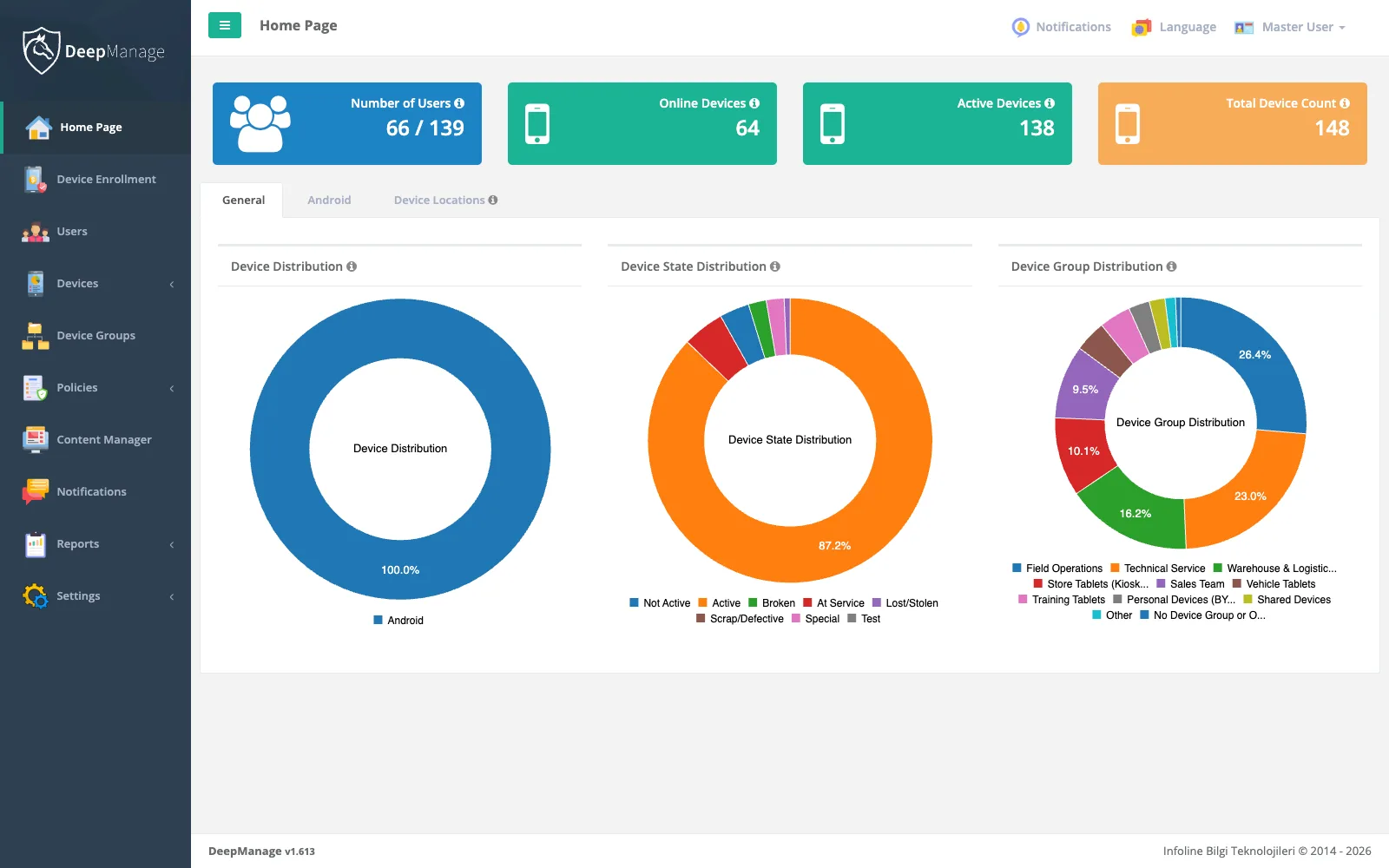
Your whole fleet at a glance
Enrolled, online and non‑compliant devices, recent alerts and policy results on one screen.
Explore features →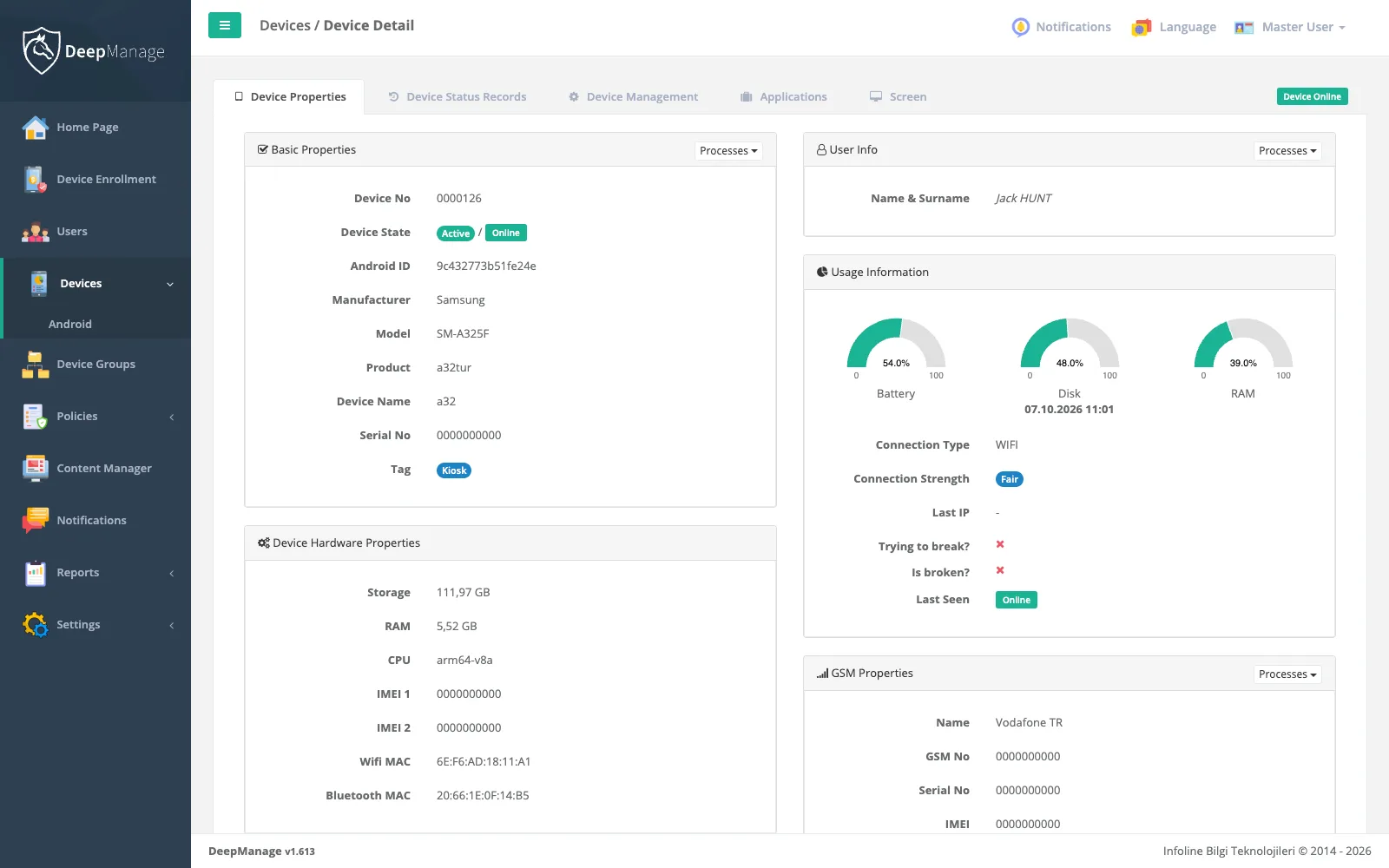
Everything about one device
Hardware, OS version, installed apps, location history, network and security logs.
Explore features →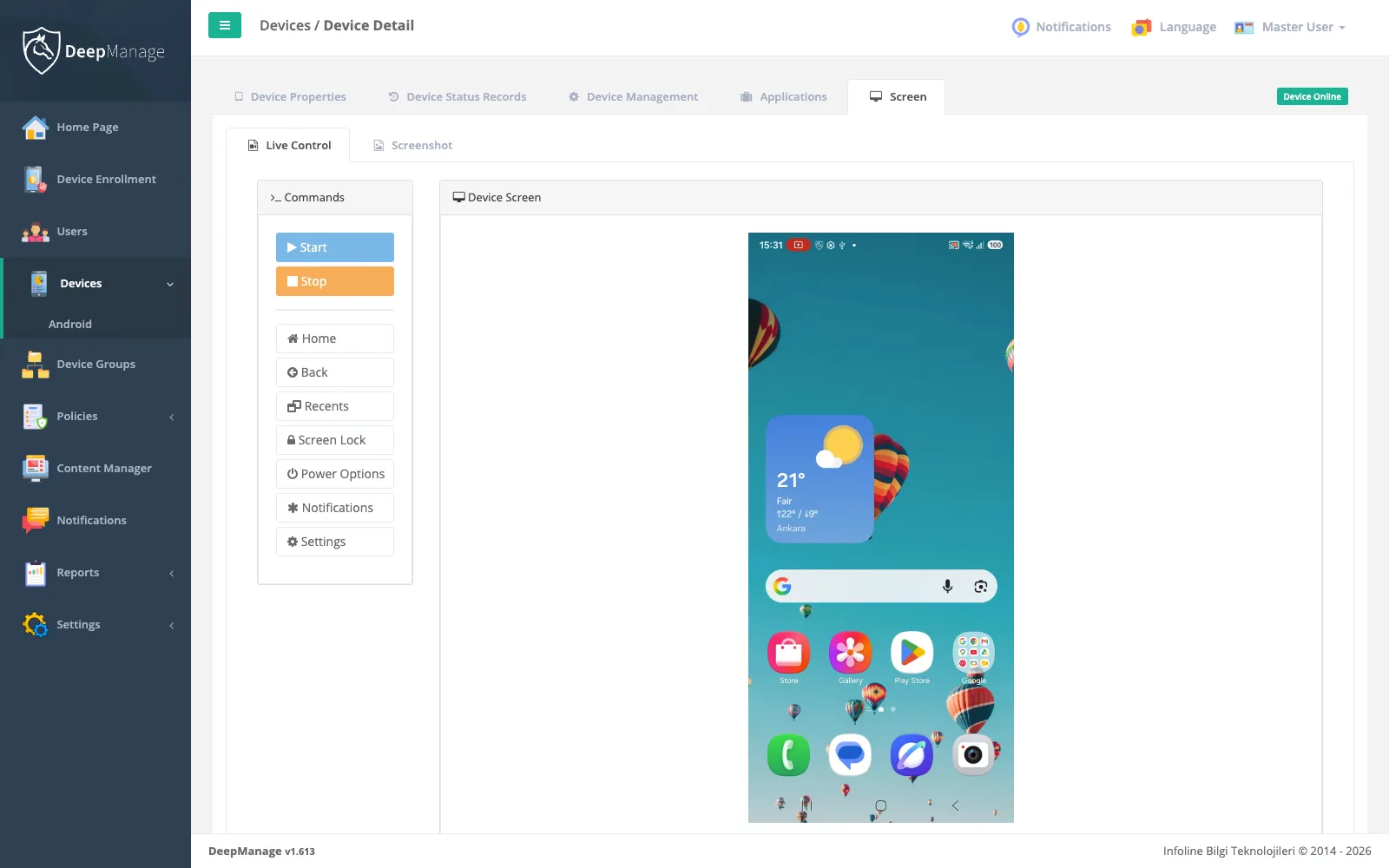
Fix problems without a site visit
View and control the device screen in real time over an encrypted connection.
Explore features →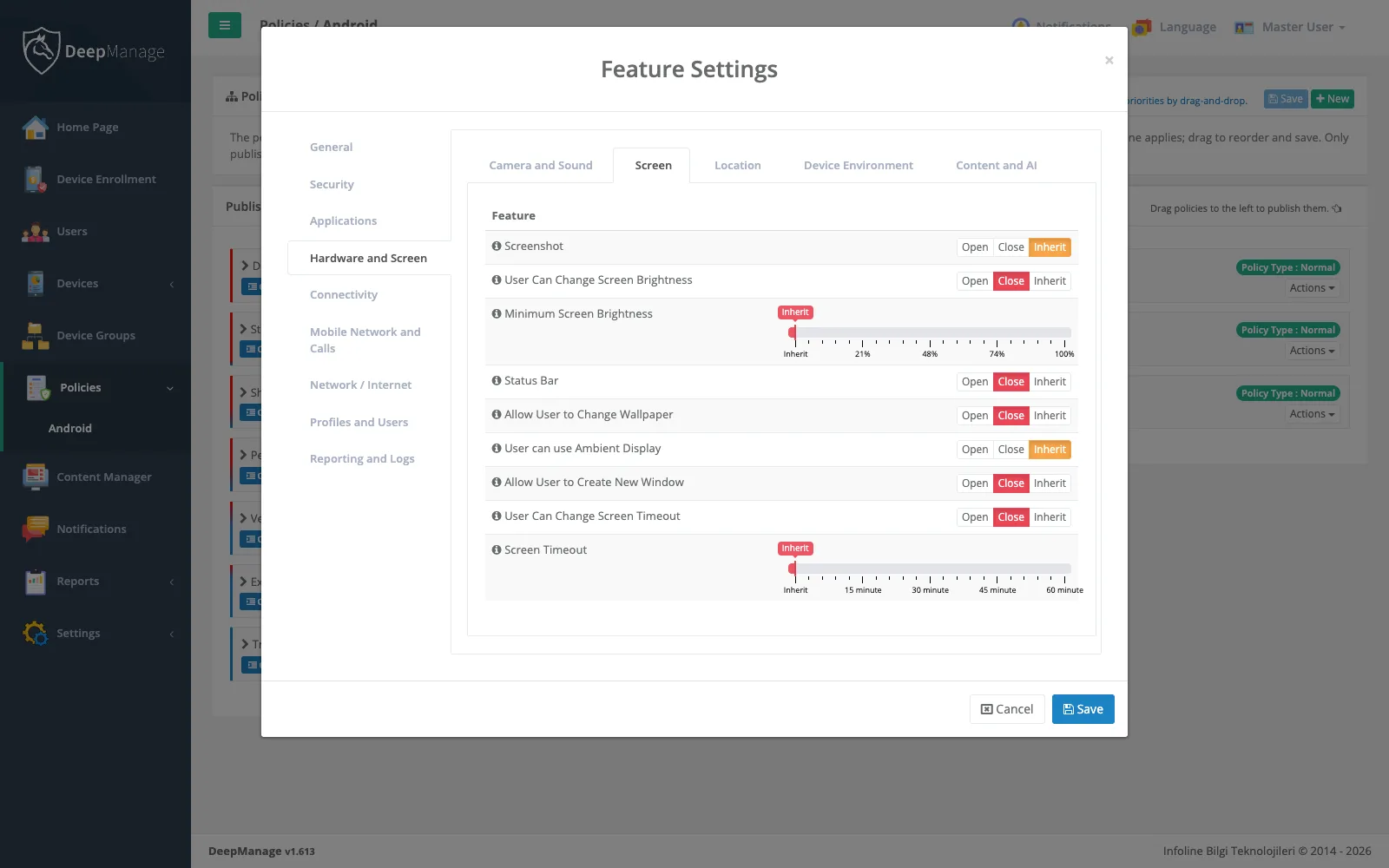
Set the rules once, apply everywhere
Build policies for passwords, restrictions, apps and kiosk mode, then assign them to groups.
Explore features →From the MDM Guide
Learn mobile device management
Clear, vendor‑neutral guides for IT teams planning a mobile fleet.
What is MDM and how does it work?
The components of an MDM system, what it can and cannot see, and when you need one.
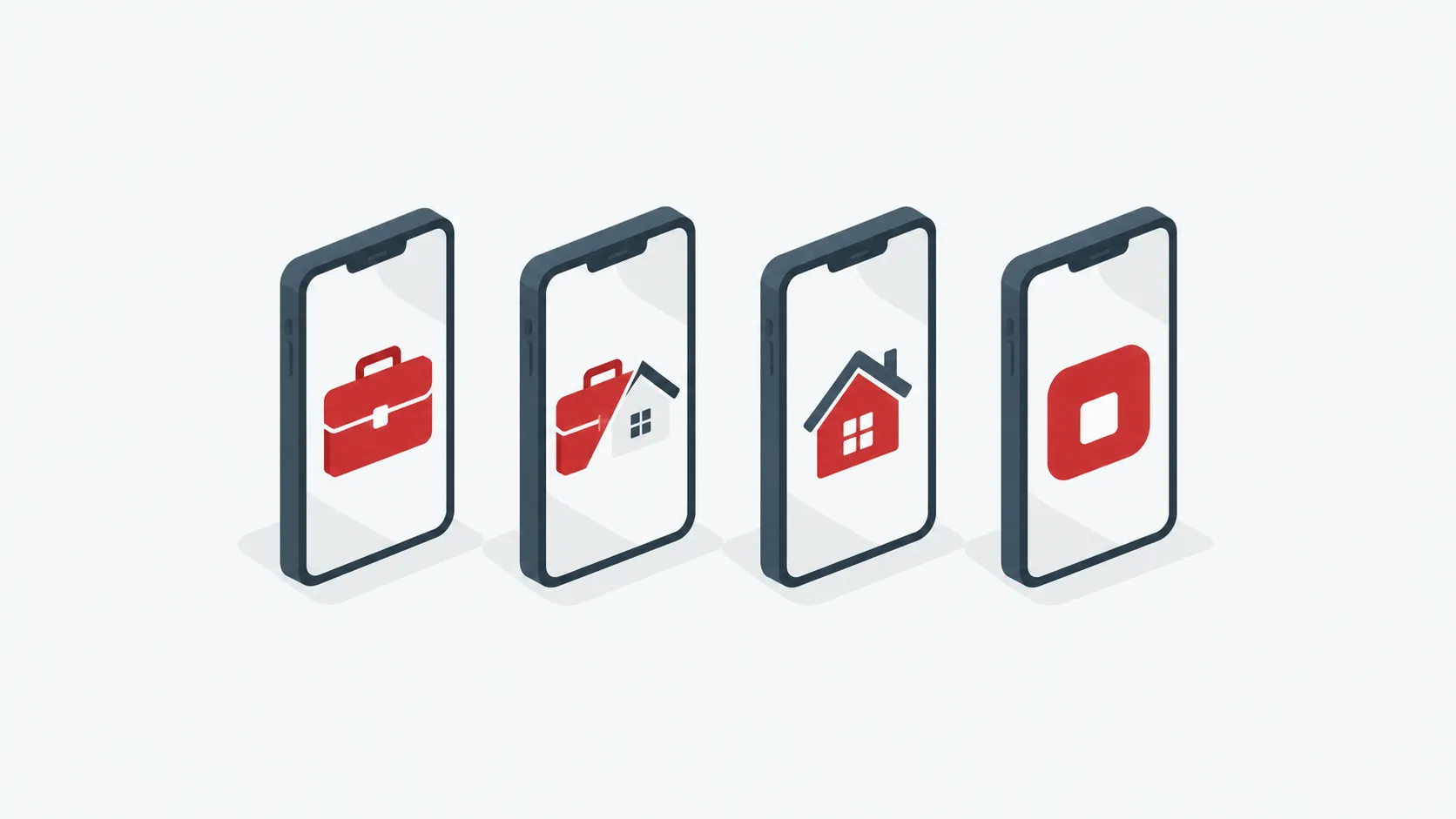
COBO, COPE, BYOD, COSU: choosing an ownership model
Compare the device ownership models and see which fits each team.
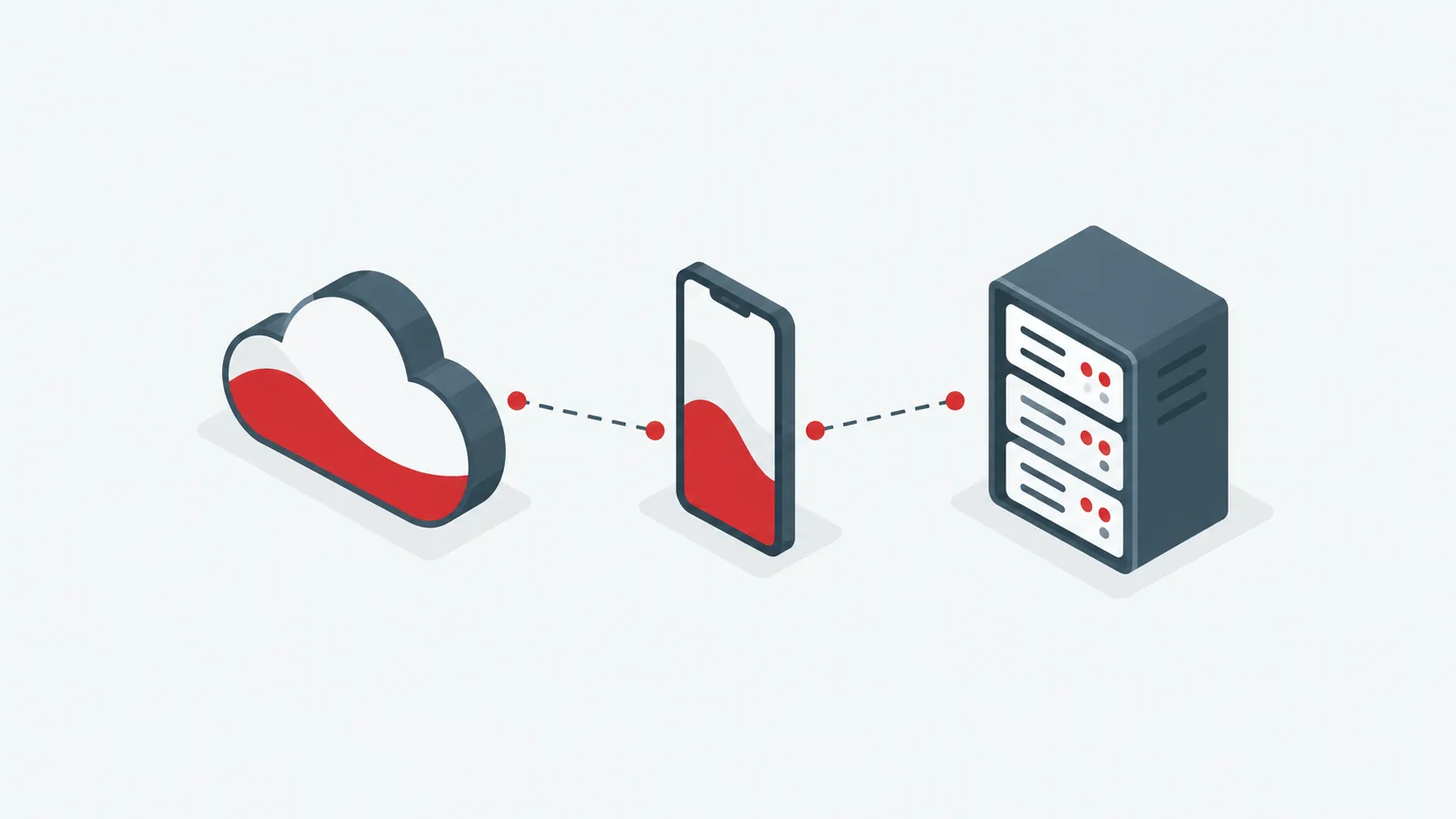
Cloud or on‑premises MDM?
Cost, control, data residency and maintenance compared side by side.
FAQ
Common questions
Can’t find your answer? Write to us at info@deepmanage.com.
Which devices does DeepManage support?
Android phones, tablets, rugged handhelds, kiosks and Android‑based embedded devices. iOS support is on the way.
Can we install DeepManage on our own servers?
Yes. The on‑premises edition runs inside your network, including networks without internet access. It has the same features as the cloud; licenses and installation are quoted for your environment.
How much does it cost?
The cloud is priced per device with every feature included; on‑premises installations receive a custom quote. Current prices are on our pricing page.
Can employees’ personal phones be managed?
Yes, with a work profile that keeps business apps and data separate from personal ones. The organization cannot see personal content.
What happens if a device is lost or stolen?
You can locate it, lock it, wipe business data or the whole device, and disable it if it cannot be recovered.
Is there a free trial?
We offer a guided demo instead. After your request we set up a demo environment and walk you through it.
See DeepManage on your own devices
Tell us about your fleet and we will prepare a demo environment for your team.